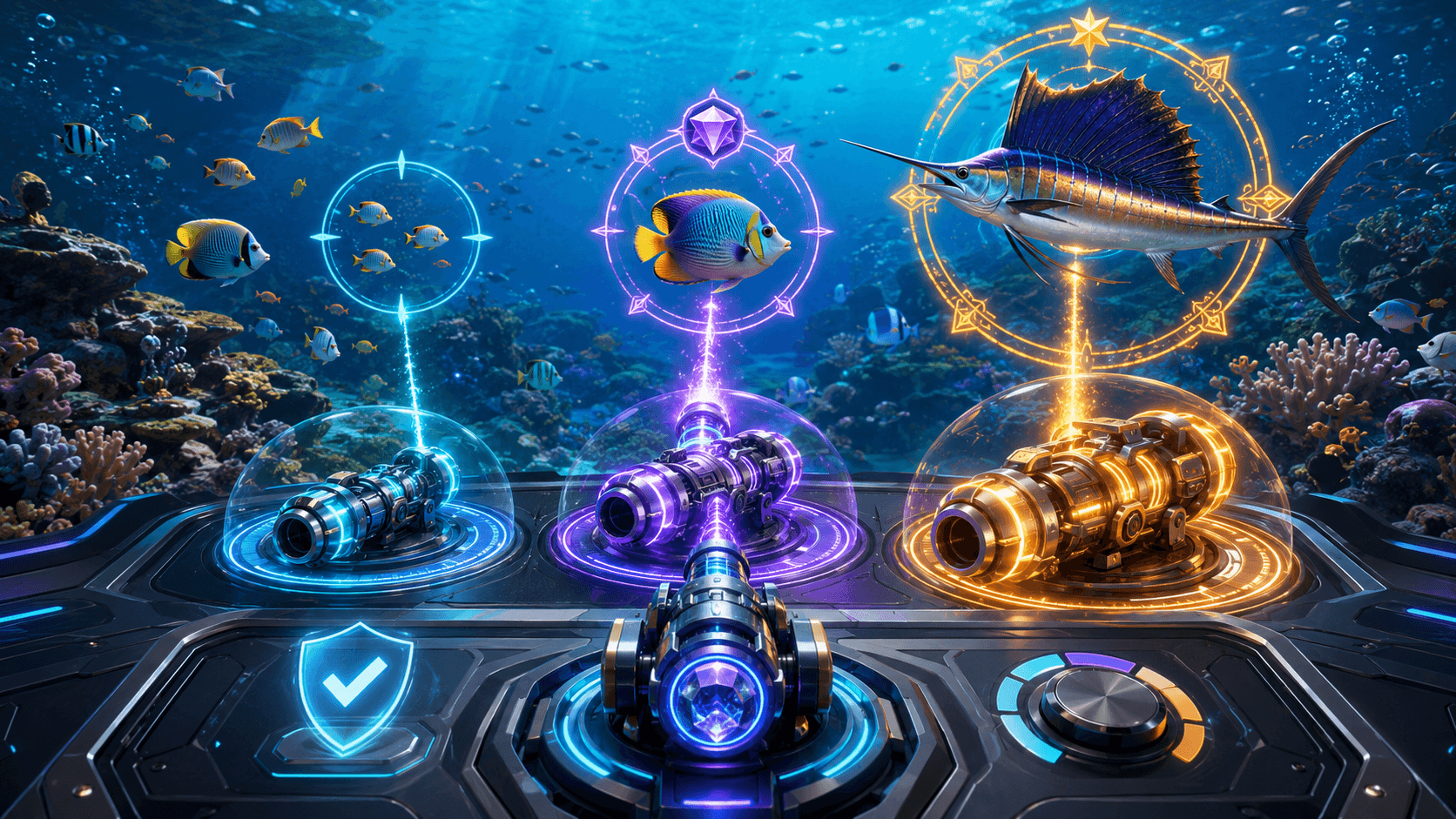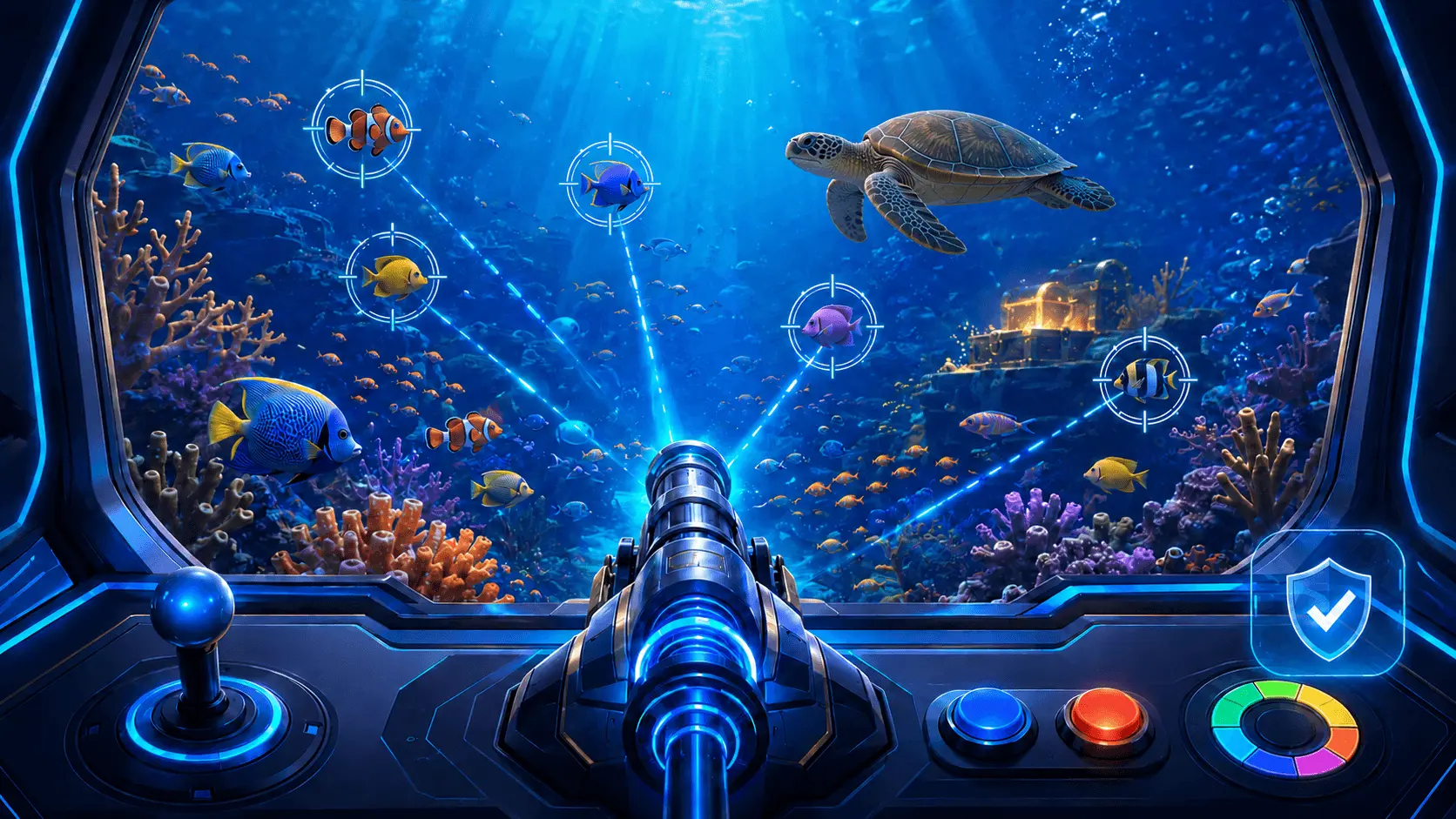
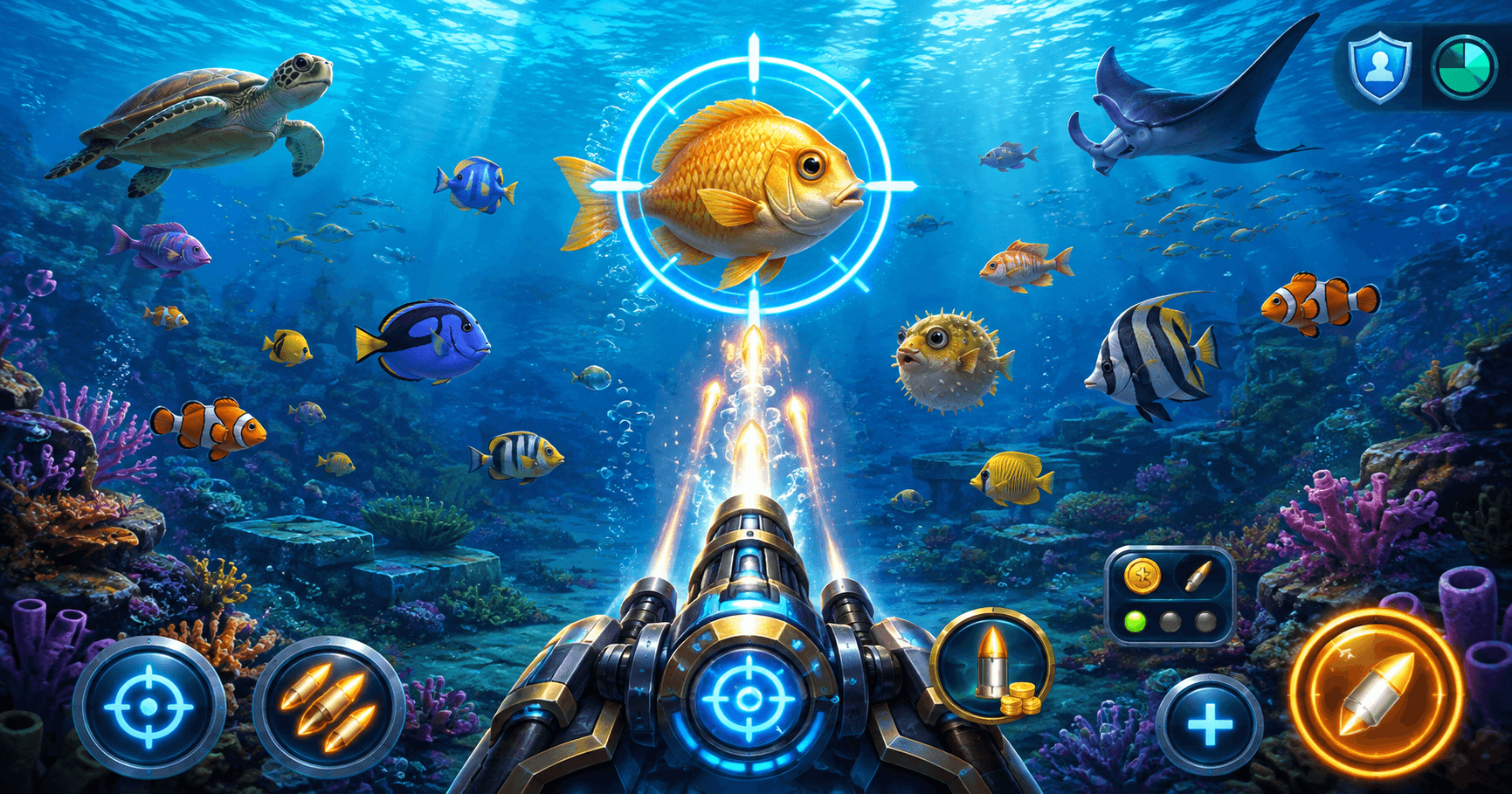
Online fishing games often provide more than one way to control the cannon. Manual aiming lets the player choose every shot, target lock follows a selected creature, and auto-fire repeats shots without requiring a separate tap each time. Some titles also allow target lock and auto-fire to operate together.
These controls can make a fast-moving screen easier to follow, but they do not guarantee that a target will be captured or that a session will produce a positive result. In many fishing games, every paid shot deducts the selected shot value from the balance, including shots released automatically.
This Play88 guide explains how fishing game target lock and auto-fire generally work, how they differ from manual aiming, what happens when a target leaves the screen and what limits to set before using repeated-fire controls. Features, labels and rules vary by title, so check the in-game help page and paytable before playing.
Manual Aim, Target Lock and Auto-Fire Compared
The three control methods affect how shots are directed or repeated. They do not replace the game’s underlying rules, target values or outcome calculations.
| Control method | What it generally does | Player input required | Main point to monitor |
|---|---|---|---|
| Manual aim | Directs each shot toward the position selected by the player. | Aim and fire each shot | Shot accuracy and selected cannon value |
| Target lock | Keeps the cannon assigned to a selected target while the lock remains active. | Select, change or release the target | Whether the chosen target remains suitable for the planned limit |
| Auto-fire | Repeats shots automatically at the rate and value permitted by the game. | Activate, monitor and stop | How quickly repeated shots reduce the balance |
| Target lock + auto-fire | Tracks one target while the cannon continues firing automatically. | Select the target, then monitor both features | Target changes, firing duration and total shot cost |
Not every fishing game offers all four options. A title may use different labels, restrict automatic controls to certain rooms or weapons, or stop them under specific conditions.
How Does Target Lock Work in an Online Fishing Game?
Target lock, sometimes labelled Aim, Lock or Auto Aim, assigns the cannon to a selected creature. The aim follows that creature as it moves, reducing the need to drag or tap across the screen continuously.
The exact behaviour differs by title. In some games, shots remain assigned to the locked target even when other creatures pass in front. In others, the control simply follows the target’s position and shots can still interact with whatever crosses their path.
A typical target-lock sequence is:
- Select the target-lock or aim control.
- Tap the creature to be followed.
- Confirm that a visible marker appears around the correct target.
- Fire manually or activate auto-fire if the title supports both controls together.
- Release or change the lock when the target exits, becomes obscured or no longer fits the planned limit.
Target lock improves control convenience; it does not reveal a target’s capture probability, guarantee that every shot connects or guarantee a reward.
What to Check While a Target Is Locked
| Situation | What may happen | What to check |
|---|---|---|
| Single moving target | The aim marker follows the selected creature. | That the lock remains on the intended target |
| Crowded screen | Other creatures may overlap or pass in front. | Whether the title directs shots only to the locked target |
| Target approaches the edge | The lock may release when the creature leaves the active area. | Whether firing stops or another target is selected |
| Target is captured by another player | The lock may release, stop or move according to the title’s rules. | How target ownership and reward allocation work |
| Boss or special creature appears | The player may be able to switch the lock to the new target. | The target value, remaining balance and feature rules |
How Does Auto-Fire Work?
Auto-fire repeats cannon shots without requiring the player to press the fire control for every shot. Depending on the title, it may fire toward a fixed point, the current cursor position, targets within range or a creature selected through target lock.
Activating auto-fire usually does not make shots free. Unless the game clearly states otherwise, each automatic shot uses the current cannon or bullet value. A higher firing rate can therefore reduce the balance faster than occasional manual shots.
| Setting or condition | What it controls | What to confirm |
|---|---|---|
| Fire rate | How frequently the cannon releases a shot | Whether the speed is fixed or adjustable |
| Shot or cannon value | The amount deducted for each paid shot | The displayed value before activation |
| Target mode | Where automatic shots are directed | Fixed aim, nearest target, selected target or another rule |
| Stop condition | When automatic firing ends | Manual stop, low balance, target exit or title-specific limit |
| Balance display | Shows the remaining credits or playable funds | That the display updates clearly during repeated shots |
Automatic play should be monitored continuously. Do not assume that it will stop at a personal spending limit unless the title provides a specific stop control and that control has been configured correctly.
Using Target Lock and Auto-Fire Together
Some online fishing games allow auto-fire to operate while target lock follows a selected creature. This combination reduces the amount of manual input, but it also means shots may continue at one target until the feature is stopped or the game releases the lock.
Before combining the controls, confirm:
- The selected target is clearly marked.
- The current cannon or shot value matches the planned session limit.
- The automatic fire rate is understood.
- The control used to stop firing is easy to reach.
- The game’s behaviour is clear when a target leaves the screen.
- Special weapons are not activated automatically unless intended.
Target lock and auto-fire change the control method. They do not guarantee that the selected target will be captured before it exits.
How Repeated Shots Affect the Balance
Fishing-game sessions can involve many individual shots in a short period. The total amount used is the cost per paid shot multiplied by the number of paid shots released.
Total shot cost = cost per shot × number of paid shots
| Cost per shot | Cost of 10 paid shots | Cost of 50 paid shots | Cost of 100 paid shots |
|---|---|---|---|
| 1 credit | 10 credits | 50 credits | 100 credits |
| 2 credits | 20 credits | 100 credits | 200 credits |
| 5 credits | 50 credits | 250 credits | 500 credits |
| 10 credits | 100 credits | 500 credits | 1,000 credits |
These figures show cost only and do not predict returns. Free shots, charged weapons, promotional credits and other features may be treated differently, so read the title’s rules before counting them as paid or free.
Why Auto-Fire Can Change the Pace of Spending
Manual play creates a pause between many shots because each one requires an action. Auto-fire removes that pause and may release shots continuously. Even when the cost per shot stays unchanged, the total used per minute can increase because more shots are being released.
Changing to a stronger cannon while auto-fire is active can increase the total cost immediately. Check whether the title applies the new value to the next shot and whether any confirmation appears before the change.
Target Switching and Targets Leaving the Screen
A locked creature may move outside the playable area, be captured, disappear during a scene change or become unavailable when a feature ends. The game then needs a rule for releasing or redirecting the aim.
Common behaviours include:
- Releasing the lock and returning control to manual aim.
- Stopping auto-fire until a new target is selected.
- Continuing to fire toward the last selected position.
- Moving automatically to another eligible target.
These behaviours are not universal. Test the control in a tutorial or demo mode when available and confirm the stop button before using a paid balance.
How Do Automatic Controls Work on Multiplayer Screens?
Some fishing games place several players around one shared animated screen. Each player controls a separate cannon, while fish and special creatures may be visible to everyone.
A shared screen does not necessarily mean that shots, balances or rewards are shared. The title’s rules determine how a target is captured and which player receives the related value. If another player captures the creature being tracked, the target lock may release or move according to the game’s control logic.
| Detail | Why it matters |
|---|---|
| Separate balances | Confirms that each player’s shots are deducted from their own balance. |
| Target ownership | Explains how a captured creature’s value is assigned. |
| Lock release | Shows what happens if another cannon captures the selected target. |
| Screen or room change | Explains whether automatic controls remain active after a transition. |
| Connection interruption | Explains how pending shots, results and reconnection are handled. |
Special Weapons and Automatic Controls
Some titles include charged weapons, bombs, lasers, nets or screen-wide effects. These may be earned through play, triggered by a meter or purchased using a separate cost. Their interaction with target lock and auto-fire varies.
Before activating a special weapon, check:
- Whether the weapon is free, charged through prior shots or paid separately.
- Whether it uses the current target lock or affects an area of the screen.
- Whether auto-fire pauses while the weapon is active.
- Whether unused charge carries into another room or session.
- Which targets are eligible for the effect.
A visually stronger weapon does not guarantee a capture or a positive return. Its result remains subject to the title’s rules and underlying game mechanics.
Common Fishing-Game Control Labels
| Label or icon | General function | What to confirm |
|---|---|---|
| Aim, Lock or Target | Activates target selection or tracking. | How to select, switch and release a target |
| Auto or Auto Shoot | Starts repeated firing. | Fire rate, target mode and stop control |
| Plus and minus | Changes the cannon or shot value. | The new cost per shot before continuing |
| Weapon | Selects an available standard or special weapon. | Whether the weapon has a separate cost or charge |
| Stop, Cancel or Unlock | Ends auto-fire or releases target lock. | Whether both controls stop or only one |
| Help, Rules or Paytable | Opens the title’s instructions and target values. | Game-specific control behaviour and feature conditions |
What Should You Check Before Using Automatic Controls?
| Item | What to confirm |
|---|---|
| Game instructions | The title’s definitions for Aim, Lock, Auto Shoot and special weapons |
| Shot value | The exact amount deducted for every paid automatic shot |
| Fire behaviour | The firing rate and where shots are directed |
| Target exit | Whether firing stops, continues or switches when the target leaves |
| Personal limits | The spending and time limits set before the session |
| Stop control | How to stop auto-fire and release target lock immediately |
Complete this check again when changing titles because a familiar-looking control can behave differently under another provider’s rules.
Common Target Lock and Auto-Fire Mistakes
Assuming Target Lock Guarantees a Capture
Target lock follows or prioritises a selected creature. It does not guarantee that the target will be captured before it exits.
Activating Auto-Fire Before Checking the Shot Value
Repeated shots can reduce the balance quickly when a higher cannon value is selected. Confirm the displayed value before switching on auto-fire.
Leaving Automatic Controls Unmonitored
Auto-fire can continue releasing paid shots until it is stopped or a game-defined condition ends it. Keep the screen and balance visible.
Switching to Every Large Target
Large or special creatures may have attractive displayed values, but the result is not guaranteed. Do not increase the shot value or extend the session only because one appears.
Assuming Every Game Uses the Same Controls
Target-lock behaviour, auto-fire speed, target switching and stop conditions can differ between providers and titles. Review the current game’s rules each time.
Increasing the Cannon to Recover Previous Losses
A higher shot value cannot guarantee recovery. Keep the cannon value and session limit within the amount planned before play.
Practical Safer-Play Guidelines
Automatic controls can make a fishing game feel easier to operate, but they can also make spending less noticeable because shots are repeated quickly.
- Set a spending limit and a time limit before starting.
- Check the cost per shot before activating auto-fire.
- Use a lower firing pace or manual control while learning a title.
- Keep the balance visible and review it regularly.
- Stop auto-fire before changing the cannon or weapon value.
- Do not extend the session to chase a target that has left the screen.
- Do not increase the shot value to recover previous losses.
- Use deposit limits, cooling-off tools or self-exclusion when needed.
Stop participating if it becomes difficult to follow a spending or time limit. Visit the Play88 FAQ for general account, support and responsible-gaming information.
Frequently Asked Questions About Target Lock and Auto-Fire
Does target lock guarantee that a fish will be captured?
No. Target lock follows or prioritises the selected creature according to the title’s controls. It does not guarantee a capture or a reward.
Does auto-fire make fishing-game shots free?
Normally no. Unless the game clearly identifies a free-shot feature, each automatic shot generally uses the selected shot or cannon value.
Can auto-fire reduce the balance faster than manual firing?
Yes. Auto-fire may release more shots in the same period. Even if the cost per shot is unchanged, a higher number of shots increases the total amount used.
Can target lock and auto-fire be used together?
Some fishing games allow both controls to operate together, while others keep them separate. Check the title’s help page and confirm the selected target before activation.
What happens when a locked target leaves the screen?
The lock may release, auto-fire may stop, shots may continue toward the previous position or the game may select another target. The behaviour depends on the title.
Does auto-fire improve the chance of winning?
Auto-fire changes how shots are released; it does not guarantee a better result. Outcomes remain subject to the game’s rules and mechanics.
What should I check before switching on auto-fire?
Confirm the shot value, firing rate, target mode, remaining balance and stop control. Set separate spending and time limits before starting.
Use Automatic Controls With Clear Limits
Target lock can reduce the effort required to follow a moving creature, while auto-fire can repeat shots without constant tapping. Their convenience does not remove the need to check the shot cost, target behaviour and remaining balance.
Review the in-game controls and paytable before using these features through Play88. Fishing-game availability, controls, target values and feature rules vary by provider, title, account and location.
This article provides general information and does not guarantee any result. Participate only where permitted by applicable law, meet all applicable age requirements and play responsibly.