A login from an unfamiliar device is one of the first signs that an account may need attention. When you enable account login alerts, you create an early-warning layer that can help you spot unexpected access before it becomes a larger issue. For Play88 users, this is a practical part of keeping account details, payment activity, and gaming access under your control.
Login alerts do not replace a strong password or careful use of official access channels. They do give you a timely prompt to check whether a sign-in was yours, especially if you switch between a phone, tablet, and desktop device.
Why account login alerts are worth enabling
A login alert is a message sent when your account is accessed under certain conditions. Depending on the service and available settings, it may be sent by email, text message, or an in-app notification. The alert may include the time of access, device or browser type, and a general location based on the network connection.
That information matters because account compromise is not always obvious. You may still be able to sign in normally while another person attempts to access your account, change details, or review activity. An alert gives you a chance to react quickly rather than discovering an issue later through account history or a payment notification.
For adults using online entertainment services, login alerts are particularly useful when an account contains personal contact information or saved payment preferences. They are also helpful after you have logged in from a new device, traveled, changed mobile providers, or used a shared network.
How to enable account login alerts
Start from the verified official Play88 access point. Avoid login pages received through unsolicited messages, unfamiliar social media posts, or search ads that do not clearly match the official domain. A convincing imitation can collect your credentials before you ever reach your account settings.
After signing in, look for areas labeled Account, Profile, Security, Privacy, Notification Settings, or a similar name. Platform menus can change, so the exact wording may differ. If login alerts are offered, turn on notifications for new sign-ins, new devices, password changes, and changes to key account details where available.
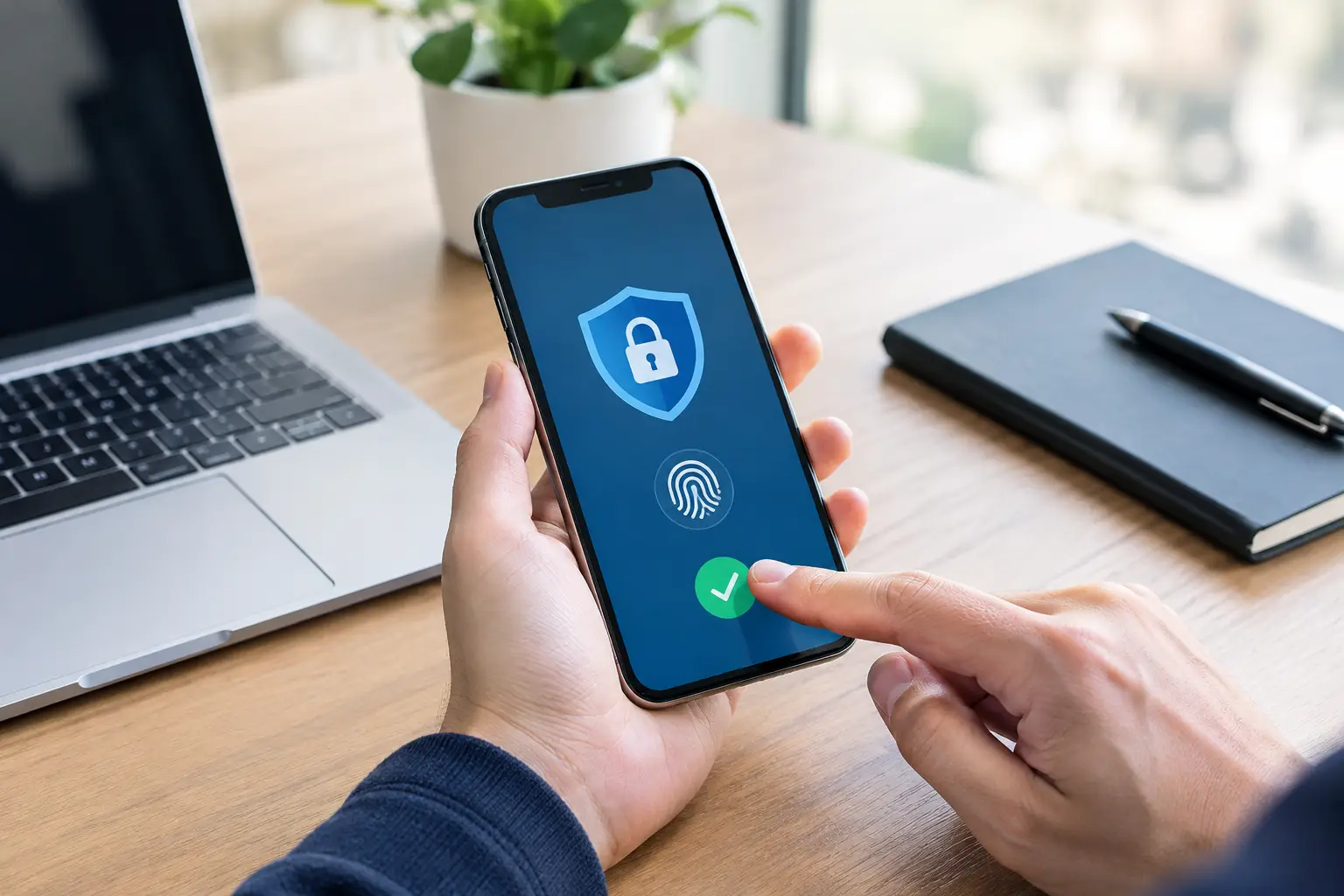
Choose the notification channel you check reliably. Email is often the most practical option because it creates a record you can review later. If the platform supports text alerts, make sure the mobile number on file is current and belongs only to you. In-app notifications can be useful, but they should not be your only security notice if you might be unable to access the account.
Once the setting is active, sign out and sign back in from a device you recognize. Confirm that the alert arrives and that the information looks accurate. If it does not arrive, check your email spam or junk folder, review notification permissions on your phone, and verify that your registered email address or number is correct.
Keep your contact details current
Alerts only help if they reach you. Review the email address and phone number attached to your account whenever you change devices, switch providers, or lose access to an inbox. Use an email account protected by its own strong password and multi-factor authentication where available.
Do not share access to that email account. If someone can enter your inbox, they may be able to reset passwords for many other services, including gaming and payment accounts.
Use a password that is not reused elsewhere
Login alerts are strongest when paired with good password habits. Create a unique password for your gaming account rather than reusing one from email, social media, or shopping sites. A long passphrase made from unrelated words is usually easier to remember and harder to guess than a short, predictable password.
A password manager can generate and store unique passwords, which reduces the temptation to reuse the same one. If the platform offers multi-factor authentication, enable it as well. It adds another verification step when a new sign-in occurs, though you should still keep recovery codes and authentication methods secure.
What to do when you receive a login alert
Do not assume every alert means your account has been compromised. A new browser update, private browsing session, mobile network change, or login while traveling can cause a service to treat a familiar device as new. Read the details before taking action.
If you recognize the time, device, and approximate location, no immediate action may be needed. You can still review recent account activity for peace of mind. If any detail looks unfamiliar, act promptly instead of repeatedly trying to log in from multiple devices.
Take these steps in order:
- Change your password from the verified official site or app. Do not use a password-reset link in a message you were not expecting.
- Sign out of other active sessions if the account security controls provide that option.
- Review your email address, phone number, payment-related settings, and recent account activity for unauthorized changes.
- Turn on or refresh multi-factor authentication and login alerts if they were disabled or routed to an old contact method.
- Contact official customer support through the verified support route if you cannot regain control, notice changes you did not make, or suspect payment information was affected.
When contacting support, provide only the information requested through official channels. Support teams should not need your full password, one-time authentication code, or banking PIN. Treat any request for those details as a warning sign.
Common alert problems and sensible fixes
Too many alerts can make people ignore messages, while too few leave gaps in visibility. The right setup depends on how you use your account. If you commonly play from one personal phone, alerts for every new device and security change may be enough. If you also use a computer, you may receive an alert after clearing browser cookies or updating your operating system.
If alerts arrive late, first check your inbox rules and phone notification settings. Some email services sort security messages into folders automatically. Add the official sender address to your safe-sender list only after confirming it is genuine, and do not whitelist addresses based solely on a lookalike email.
If you receive alerts for activity you know is yours but the location appears wrong, remember that location detection is approximate. Mobile networks, virtual private networks, and internet providers can show a nearby city or a different region. Device and time details are often more useful than the location alone.
If alerts stop altogether, do not simply turn the setting off and forget about it. Confirm your contact details, update the app or browser if applicable, and ask official support whether the feature is available for your account. Security features and notification options can vary by platform, device, and account status.
Protect the device behind the alert
A secure account can still be exposed through an unsecured device. Keep your phone and computer updated, use a screen lock, and avoid saving passwords on public or shared devices. Log out after using a device that is not exclusively yours.
Be cautious on public Wi-Fi, especially when signing in or making account changes. If you need to access your account while away from home, use your own mobile data when possible and confirm that you are on the official Play88 access route before entering credentials.
Phishing messages often create urgency: they claim your account will be closed, a payment has failed, or a large reward is waiting. Do not act through the message itself. Open your browser independently, use a verified official route, and check your account notifications there. Genuine security communication should support verification, not pressure you to disclose sensitive information.
Security supports responsible play
Account security is part of informed participation. Login alerts help you maintain visibility, but they also make it easier to recognize when it may be time to pause, review account activity, or speak with support. Keep your spending and time limits personal, review complete promotion terms before participating, and never chase losses.
Set aside a few minutes to check that your alerts, contact details, password, and device protections are current. It is a small routine that helps keep your Play88 account focused on entertainment and in your hands.