A gaming account can hold more than a username. Depending on what you choose to provide, it may contain contact details, payment information, identity-verification records, device data, and a history of account activity. That is why a practical gaming data privacy guide starts before registration, not after a problem appears.
Privacy is not only about hiding personal information. It is about deciding what you share, confirming who receives it, and protecting access to the account over time. For eligible adults using online gaming services, a few careful habits can reduce avoidable risk without making every step complicated.
Start With the Official Access Point
Many privacy problems begin with a fake page, not a weak password. Search results, social media posts, messages, and advertisements can all direct people to sites that look convincing. A copied logo or familiar game image does not prove that a page is official.
Use only the official Play88 links supplied through verified brand communications. Before entering any details, check the web address closely for unusual spellings, extra words, or unexpected domains. Be especially cautious when a message creates urgency, such as a claim that your account will be closed unless you act immediately or that a promotion requires instant verification.
Do not sign in through links sent by unknown contacts. Instead, enter the official address yourself or use a saved bookmark you created after verifying it. This small step helps prevent phishing, where criminals imitate a legitimate service to collect passwords, codes, or payment details.
Create Account Credentials That Are Actually Separate
Reusing one password across email, shopping, banking, and gaming accounts is convenient until one service suffers a breach or your login is exposed through a fake page. At that point, attackers may test the same email and password combination elsewhere.
Choose a long, unique password for your gaming account. A passphrase made from several unrelated words is often easier to remember than a short, complex-looking password. Avoid names, birthdays, phone numbers, and details visible on public social profiles. A password manager can generate and store unique credentials if you prefer not to memorize them.
If the platform offers multi-factor authentication, consider enabling it. This adds a second check, such as an authentication-app code, when someone tries to sign in. It is not a substitute for a strong password, but it can make unauthorized access more difficult.
Keep verification codes private. Support staff should not need your password or a one-time sign-in code to assist with a routine question. If anyone asks for either item through chat, email, or social media, stop and verify the request through an official support channel.
Share Only Information Needed for the Account
Online gaming services may request personal information for registration, account recovery, payment processing, or identity verification. The exact information required can vary by service, location, and the action you are trying to complete. Read each field before submitting it, rather than treating every request as automatic.
Use accurate information when an account requires it. False details can create problems later, particularly if the service needs to verify ownership before processing an account request. At the same time, do not provide extra information that is not requested through an official process. A public profile does not need the same details as an identity-verification form.
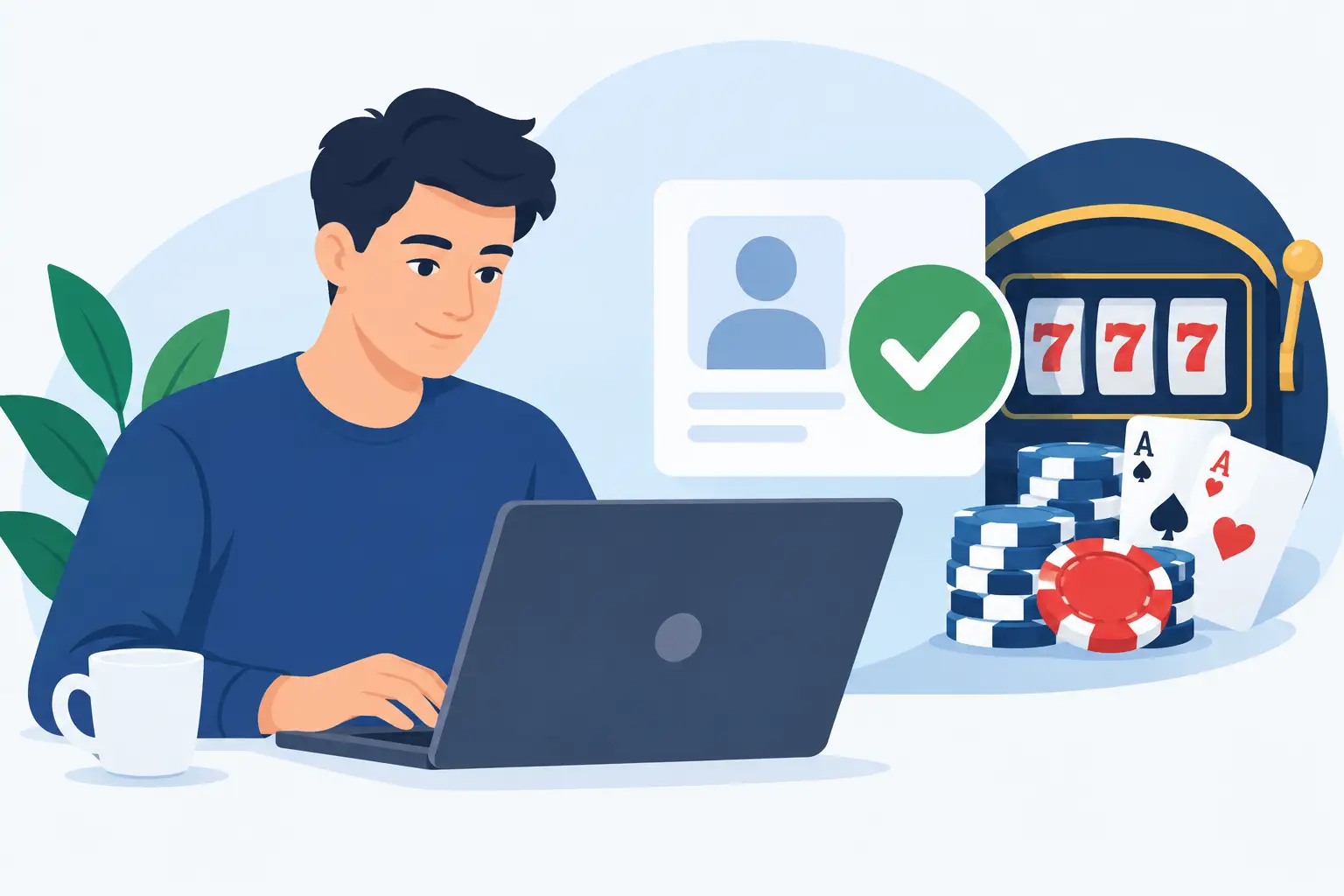
For identity documents, pay attention to the channel. Upload documents only through the verified account area or a confirmed support process. Do not send copies through public comments, informal messaging apps, or to a person claiming to be an agent without confirming their identity. If you are uncertain why a document is needed, ask what it will be used for, how it should be submitted, and whether any information can be safely obscured under the stated instructions.
Review Privacy Settings and Device Permissions
Privacy is also shaped by your browser, phone, and the apps connected to them. Websites use cookies and similar tools for functions such as keeping you signed in, remembering preferences, measuring site activity, and detecting suspicious sessions. Some cookies may be necessary for basic account functions, while optional categories can often be managed through browser controls or a consent setting.
Check your browser privacy settings from time to time, especially on a shared device. Clear saved sessions when appropriate, and do not allow browsers to store login details on computers or phones that other people can use. If you use a public or shared device, sign out completely when finished. Closing the tab alone may not end the session.
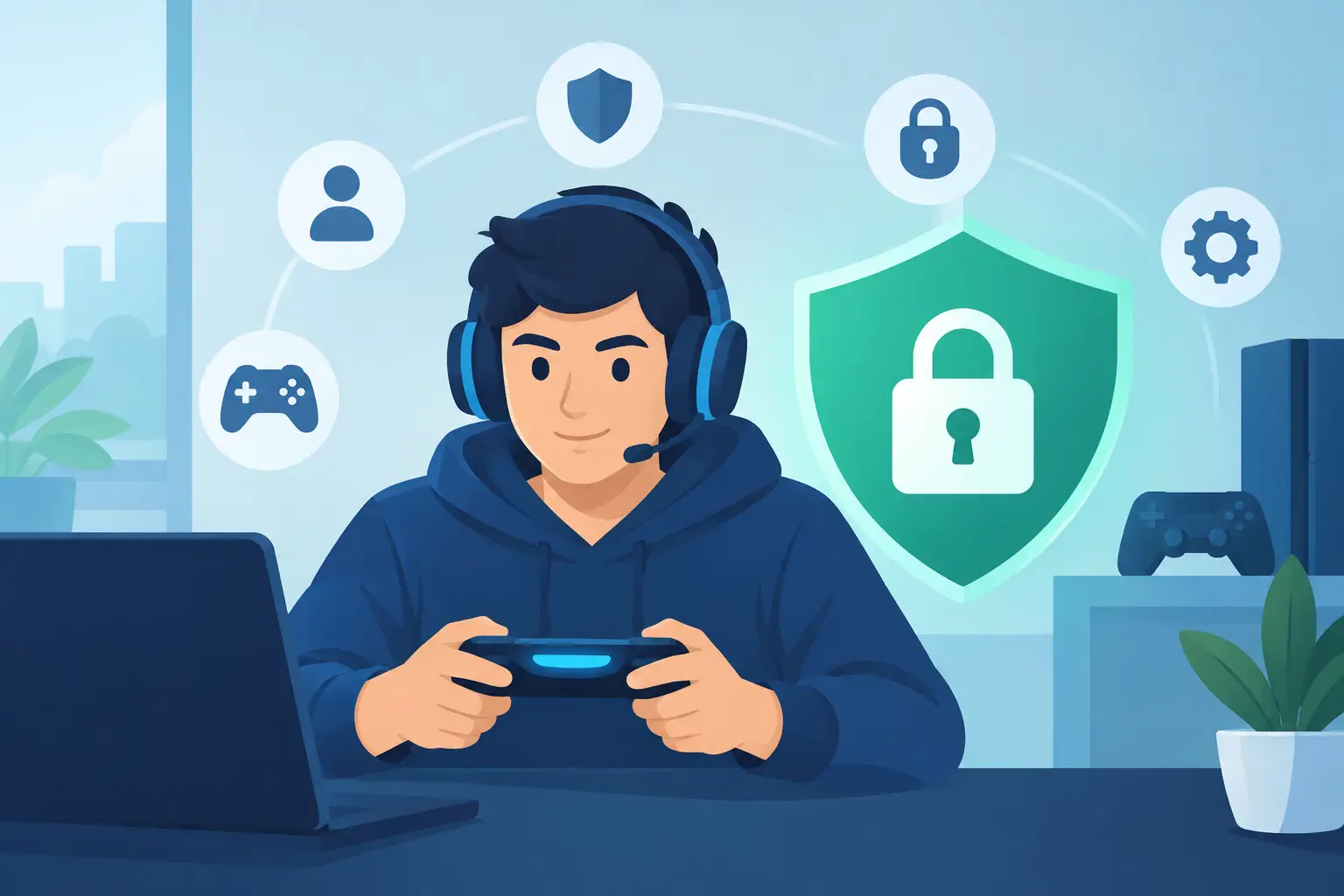
Be selective with app permissions. A gaming-related app generally should not need unrestricted access to contacts, photos, microphone, or location unless a specific feature clearly explains why. Review permissions in your device settings and remove any that do not make sense for how you use the service.
Avoid unofficial apps, modified software, browser extensions, or files offered in private messages. Beyond breaking platform rules, these can capture keystrokes, read data, or redirect you to fraudulent pages. Install software only from recognized sources and keep your device, browser, and security tools updated.
Protect Payment and Verification Details
Payment information deserves extra care because it can be valuable to criminals and difficult to replace once exposed. Enter payment details only after confirming you are on the correct, official page. Do not send card numbers, account credentials, or images of payment documents in a chat unless an official process specifically requires it and you have verified the channel.
Before using any payment option, review the relevant account terms and instructions. Understand whose name must appear on the payment method, what verification may be required, and whether there are conditions connected to a promotion or withdrawal request. Clear records can make account questions easier to resolve, so keep confirmations in a private location rather than posting screenshots publicly.
Be cautious with screen sharing. It can be useful for technical support, but it may expose open tabs, email notifications, passwords, or financial information. If support asks you to share a screen, close unrelated windows first and never reveal passwords, authentication codes, or full payment credentials.
Recognize the Most Common Warning Signs
A privacy threat does not always look technical. Often, it relies on pressure, curiosity, or a promise that sounds unusually generous. Treat these signs as reasons to pause and verify:
- A message asks for your password, one-time code, or full payment details.
- A web address is slightly different from the official address you expect.
- Someone claims you must act immediately to keep an account or receive a benefit.
- An offer arrives through an unverified social account, group chat, or private message.
- A download, extension, or remote-access tool is presented as necessary to play or get support.
One sign alone may not prove fraud, but it is enough to avoid rushing. Go back to an official access point and ask support through the verified channel. Taking five minutes to check is better than spending weeks trying to recover an account.
What to Do If You Suspect Unauthorized Access
Act promptly if you notice an unfamiliar login, changed contact detail, unexpected transaction, password-reset email, or message sent from your account. First, change your password from a trusted device and update any reused password on other services. If multi-factor authentication is available, enable it or reset the connected method.
Then contact official support and describe what happened with specific dates, times, screenshots, or transaction references where available. Do not include your password or full payment number in the report. Review your email account too, because access to email can allow someone to reset passwords for many other accounts.
If payment information may have been exposed, contact the payment provider using the contact details on its official statement or website. Watch for unfamiliar activity and follow its instructions. You may also want to review your device for unknown applications, suspicious extensions, or outdated software before signing in again.
Privacy Supports More Controlled Play
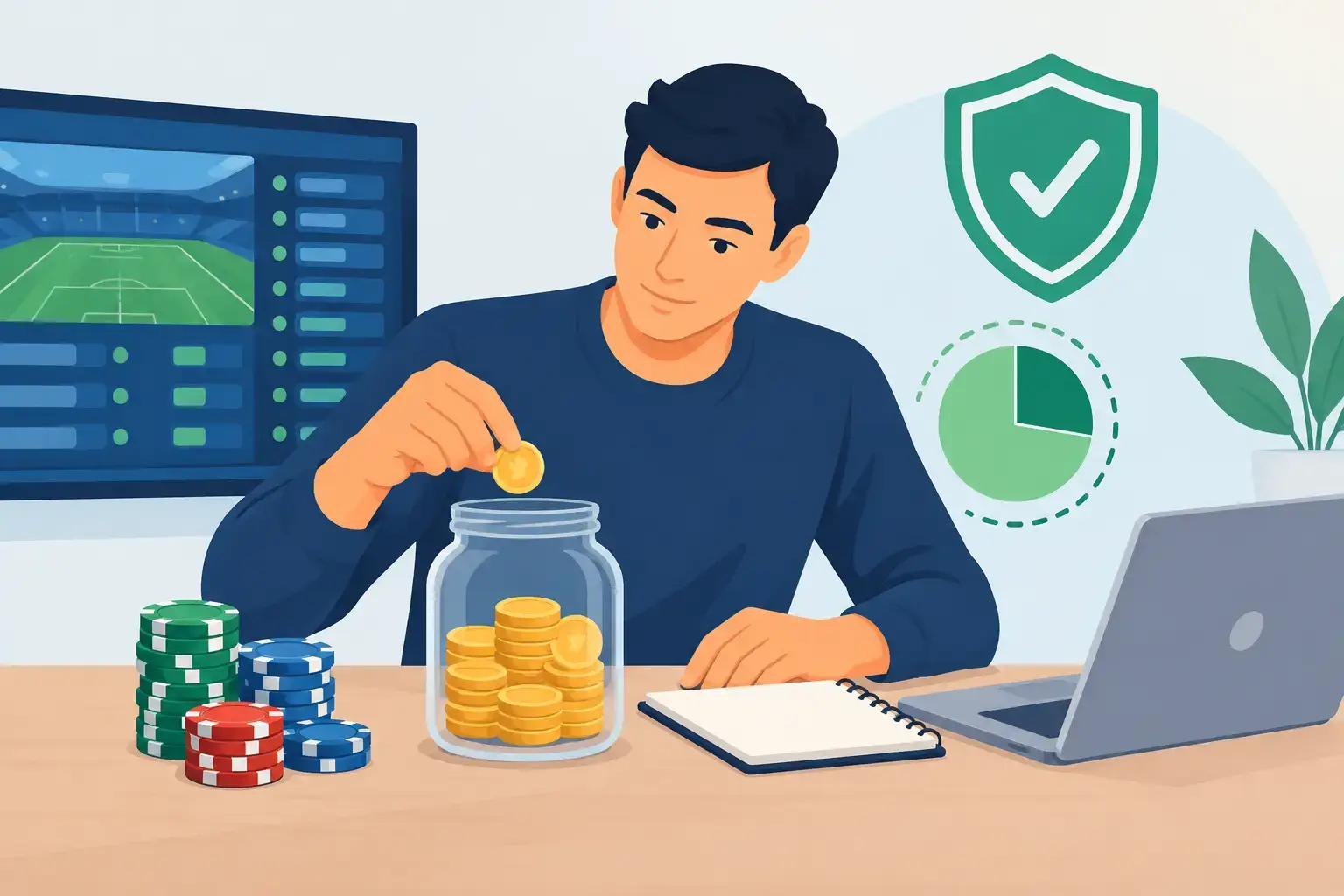
Data privacy and responsible gaming are connected. A secure account gives you clearer control over your settings, personal details, and account activity. It also makes it easier to use tools such as spending limits, session reminders, or account breaks when they are available and appropriate for you.
Do not share account access with friends or family, even if the request seems harmless. Shared access makes it harder to tell who changed a setting, used a payment method, or accepted a promotional condition. Keep your account personal, review complete terms before opting into offers, and remember that bonuses or VIP benefits do not guarantee winnings.
Good privacy habits are not about fear. They are about making calm, deliberate choices: verify the page, protect the login, limit what you share, and pause whenever a request feels unusual. Those habits help you keep control where it belongs – with you.