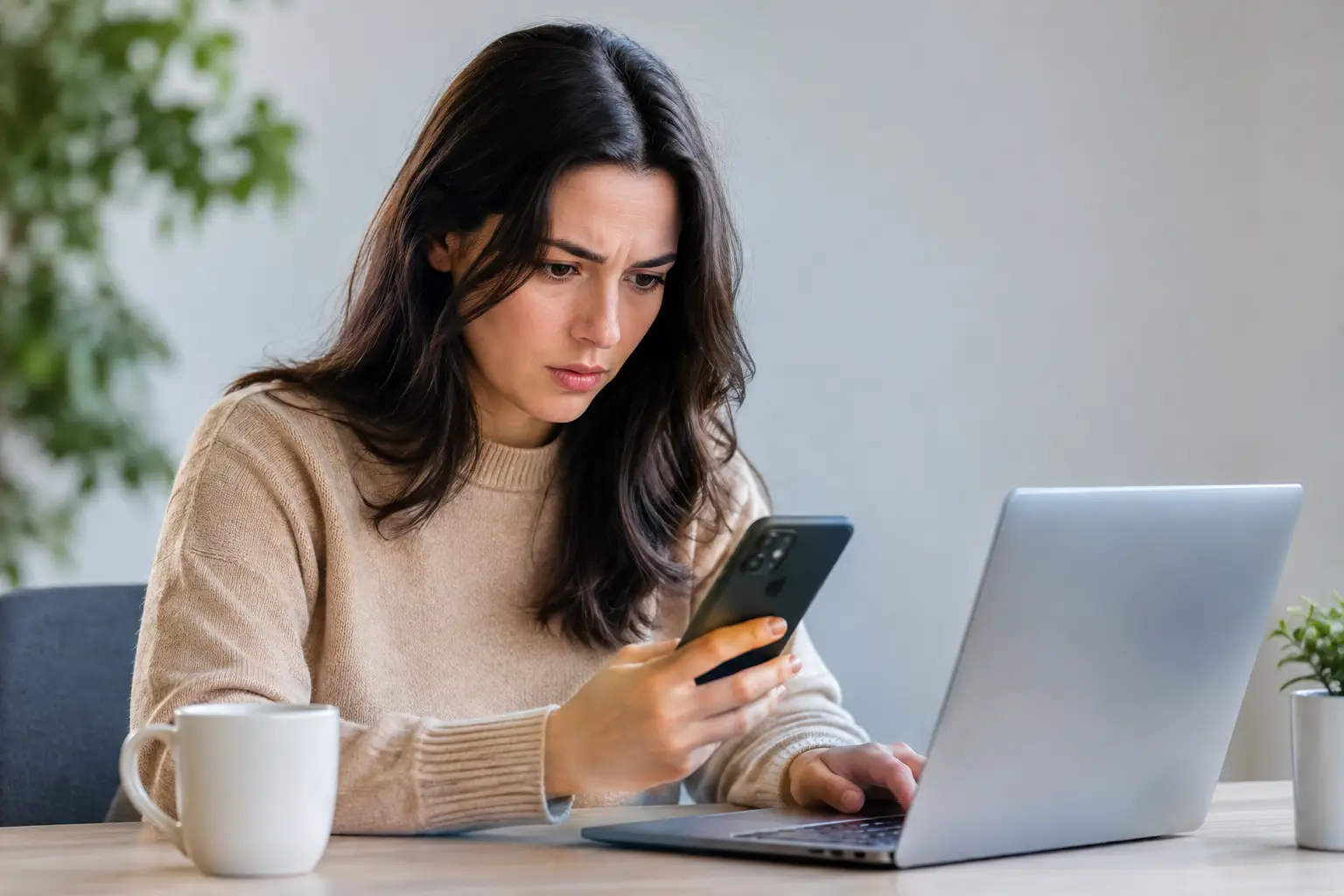
A login alert at 2:13 a.m., a password reset you did not request, or a payment detail that suddenly looks different are not minor inconveniences. They are account security warning signs that deserve a quick, calm response. For Play88 users, protecting access starts with one rule: use only verified official Play88 links and treat unexpected account activity as something to check immediately.
Most account issues can be limited when they are caught early. The goal is not to panic or assume the worst. It is to verify what happened, secure the account, and contact customer support through official channels when something does not add up.
Account security warning signs to recognize
Some warning signs are obvious, such as being locked out of an account. Others are easy to dismiss because they look like routine notifications. Watch for patterns, especially when more than one change happens within a short period.
Login alerts from an unfamiliar device or location
A notice that your account was accessed from a device, browser, or location you do not recognize should be reviewed promptly. Location data is not always precise. Mobile networks, travel, VPN use, and carrier routing can make a familiar login appear unusual. Still, if you were not signing in at that time, do not ignore the alert.
First, change your password from a device you trust. Then review any available account activity, active sessions, and profile settings. If the session information is unclear or the account has been changed, contact official customer support rather than continuing to test logins repeatedly.
Password reset or verification codes you did not request
Unexpected reset emails, one-time passcodes, or verification messages can mean someone is attempting to access your account. It may also be a simple mistake by another person using the wrong email address or phone number. The safer approach is the same: do not share the code, do not approve a request you did not start, and do not use links in unexpected messages.
Open the official site directly through a verified Play88 access point, sign in if you can, and update your password. Check that the registered email address and phone number still belong to you. Your verification code is private. Support staff should not need you to disclose it in chat, by phone, or through social media.
Changes to personal, payment, or withdrawal details
A new phone number, email address, bank account, wallet information, or withdrawal destination is a high-priority warning sign when you did not make the change. The same applies to unfamiliar deposits, withdrawal requests, or transaction notices.
Take screenshots or note the date, time, and reference details for your own records. Do not post account information publicly. Secure your login first, then use the official support route to report the change. Be ready to complete reasonable account verification steps, but provide documents only through the approved process.
Messages that create urgency or ask for credentials
Fraudulent messages often rely on pressure. They may claim your account will be suspended, a reward is about to expire, or a payment must be confirmed immediately. They may imitate familiar branding while directing you to a lookalike website or asking for a password, code, or banking detail.
A legitimate-looking logo is not proof that a message is genuine. Check the sender carefully, avoid opening unexpected attachments, and never enter account credentials after following a link from an unsolicited message. Go to the official platform yourself and review notifications there. If an offer or account notice cannot be confirmed through official access, treat it as unverified.
Unexpected game, balance, or transaction activity
A game category you do not use, a wager you do not recognize, or an unexplained balance change should be reported quickly. Do not assume a shared device, a browser autofill issue, or a delayed notification explains it without checking. Account activity can have ordinary explanations, but unexplained activity needs a record and a review.
This is also a useful reason to avoid sharing an account, even with people you know. Shared access makes it difficult to identify activity accurately and can expose personal and payment information. Keep your credentials private and sign out after using a device that is not exclusively yours.
What to do when you spot a warning sign
Speed matters, but order matters too. Start by opening the official platform directly, not by responding to the original email, text, or pop-up. If you still have access, change your password to a long, unique passphrase that you do not reuse anywhere else. A password manager can help create and store unique credentials without relying on short, memorable patterns.
Next, review the account details that affect access and payments. Confirm the registered contact information, payment methods, withdrawal settings, and recent activity. Remove anything unfamiliar where the account tools allow it. If you cannot make the change, or if you have been locked out, contact support using the official contact options available through the verified platform.
If you reused the same password for your email account or other services, change those passwords as well. Email security is especially important because password resets and verification notices often arrive there. Turn on available multi-factor authentication for your email and account where offered, and keep recovery information current.
Finally, scan the device you used to access the account. Install operating system and browser updates, remove unfamiliar apps or browser extensions, and use reputable security software where appropriate. Public Wi-Fi is not automatically unsafe, but it is not ideal for account changes or payments. When handling sensitive settings, use a personal network or mobile connection you trust.
Prevention is simpler than recovery
Strong habits reduce the chance that a suspicious message becomes a real account problem. The most effective habits are not complicated, but they need to be consistent.
Use a unique password for every high-value account. Avoid names, birthdays, team names, or predictable number patterns. Never save credentials on a public or shared device, and do not allow browsers on those devices to remember your login. Lock your phone and computer with a passcode or biometric protection, especially if they contain saved emails or payment apps.
Be selective about notifications and promotions. Review complete terms through official pages before participating, and remember that rewards or VIP benefits can have eligibility rules, expiry dates, limits, and other conditions. An unexpected message promising special access is not evidence that it is genuine. Verify first.
It also helps to set practical entertainment limits. Keep gaming separate from essential finances, decide on a spending amount and time limit before you start, and never chase losses. Responsible play supports better decisions, including when an account notice or payment prompt appears unexpectedly.
When to contact official support
Contact support promptly if you cannot sign in, cannot reset your password through the normal process, see unfamiliar transactions, or find changes to your email, phone number, or payment settings. Report suspected phishing if someone has asked for your password, verification code, or identity documents through an unapproved channel.
Use only the customer-support details shown through verified official Play88 access. Do not rely on search ads, forwarded contacts, social media direct messages, or phone numbers included in suspicious emails. A secure support process may ask you to verify ownership, but it should not pressure you to disclose a current password or one-time authentication code.
Keep the report factual: explain what you noticed, when you noticed it, the device you were using, and any changes you did not authorize. Clear details help support review the issue without exposing more personal information than necessary.
A secure account is built through small, repeatable decisions. Check alerts, use verified access, protect your email, and pause whenever a request feels rushed or unfamiliar. That short pause can be the step that keeps control of your account where it belongs: with you.