A copied logo and familiar game images can make a fake website look convincing at first glance. That is why learning the Play88 fake domain signs matters before you enter a password, upload documents, or send money. A domain is the web address shown in your browser. If that address is wrong, even a polished page should be treated as unverified.
Fake domains often rely on speed and confusion. They may appear in ads, search results, messages, or social media posts and urge visitors to sign in immediately. A safer approach is slower: verify the address through an official brand communication channel, read each screen carefully, and stop when something does not match.
Play88 fake domain signs to look for
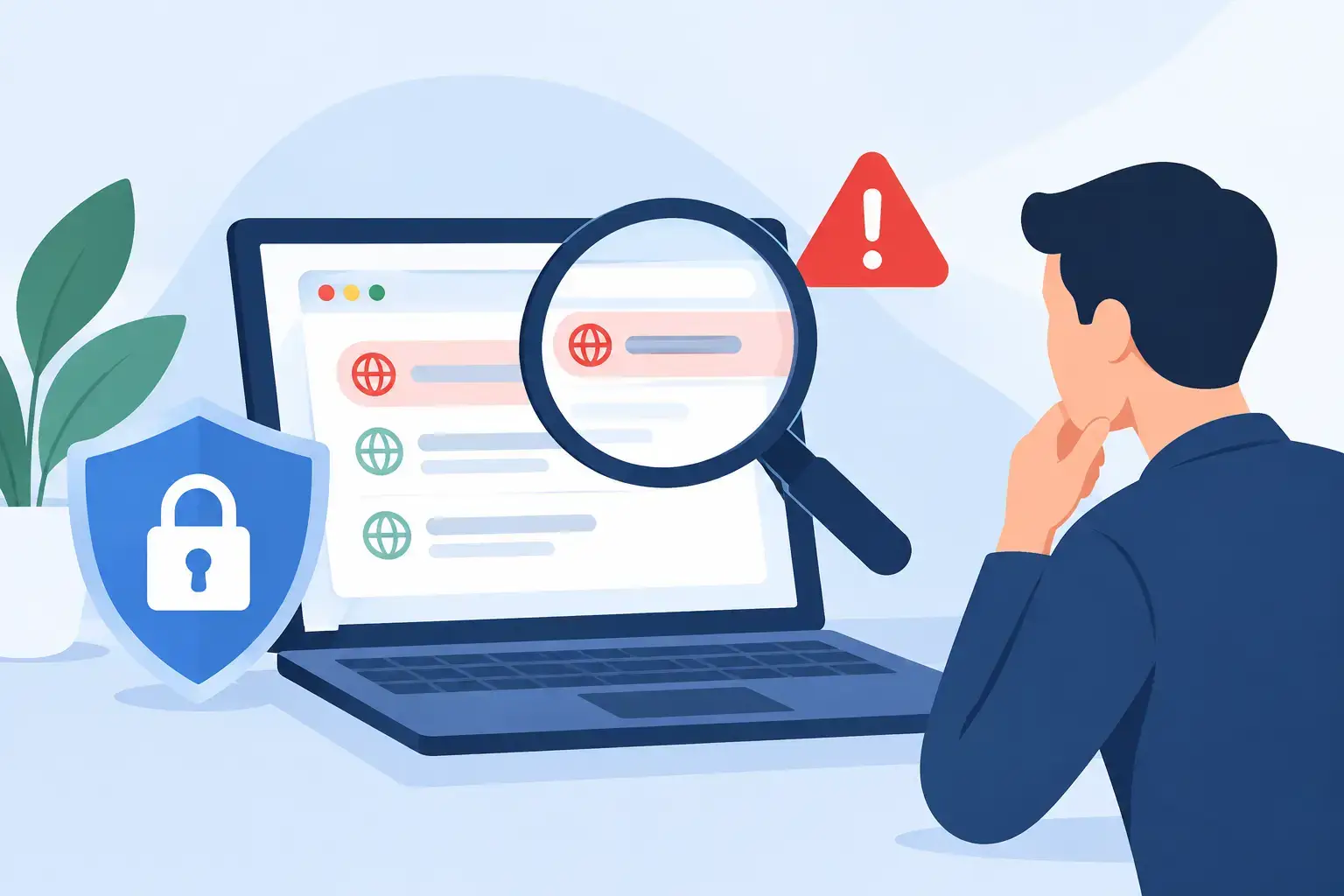
The clearest warning sign is a web address that differs from the verified address you intended to visit. The difference may be small: an added word, a swapped letter, an unusual ending, a hyphen, or a number placed where it does not belong. A page can use the Play88 name in its text while operating from an unrelated domain.
Do not judge a site by the logo alone. Images, colors, menus, and promotional banners can be copied. Instead, tap or click the browser address bar and read the complete domain character by character. On a mobile phone, the address may be shortened in the display, so expand it before signing in.
A secure-looking padlock icon is not proof that a site is official. It generally indicates that the connection between your browser and that site is encrypted. It does not confirm who runs the site, whether the address is correct, or whether its offers are genuine. Treat it as one basic browser signal, not a final verification step.
Other suspicious patterns deserve attention:
- The page creates urgency, such as claiming your account will close unless you act now.
- A message asks for your password, one-time code, identity document, or payment details outside the normal account process.
- Promotion terms are missing, vague, or conflict with information you previously received through verified channels.
- The site contains frequent spelling mistakes, broken pages, mismatched brand names, or support details that change from page to page.
- You are pushed to install a file, browser extension, or modified app instead of using a verified access method.
Any one issue may have an explanation, but several together are a strong reason to leave. Do not try to “test” a suspicious page with real credentials or a small deposit. That can still expose your account or payment information.
Check the address before every login
The safest habit is simple: start from a verified official source rather than a forwarded message, sponsored post, or unfamiliar search result. If you have previously confirmed an official access route, save it carefully and use that saved route. Recheck the full domain when you return, especially if the page redirects you elsewhere.
Be cautious with lookalike characters. Some letters and symbols can appear nearly identical on a small screen. A fake address may use a zero instead of the letter O, a lowercase L in place of an I, or extra punctuation that is easy to miss. If the address looks complicated or unfamiliar, close the page rather than guessing.
Search results can be useful for research, but they are not automatic confirmation. Paid placement, a prominent position, or a familiar-looking page title does not establish that a domain is authorized. Compare the destination address with the address shared through verified Play88 communications. If there is any mismatch, do not log in.
It also helps to separate account access from casual browsing. When checking game categories, help content, or general information, you may be able to review a page without providing personal details. Logging in, depositing, or completing verification requires more caution because those steps involve sensitive information.
Watch for redirects and copied login pages
A redirect occurs when one address automatically sends you to another. Some redirects are part of normal website operations, but an unexpected redirect should prompt a fresh check of the final address in the browser bar. Do not assume the page is safe because the first address looked familiar.
Copied login pages are designed to collect credentials. They may ask for a username and password, then show an error or send you to a different page. If you enter details and the process feels unusual, stop. Do not repeatedly submit your password or share a verification code sent to your phone or email.
One-time codes are especially sensitive. They are meant to confirm a specific login or action. Legitimate support processes should not require you to disclose a code through an unsolicited message. If someone pressures you to provide one, end the conversation and use a verified support route to check the request.
Do not let promotions override basic checks
Fake domains often use unusually generous-looking bonuses, limited-time countdowns, or claims that a deposit must be made immediately. Real promotions should still be reviewed carefully, including eligibility, expiration dates, wagering requirements, game contribution, betting limits, and withdrawal conditions. A tempting headline is never a reason to skip verification.
Before you use any promotion, confirm that the page is part of the verified platform and read the complete terms. If the offer requires payment to an unfamiliar recipient, asks you to communicate only through a personal account, or avoids clear conditions, do not proceed. Promotional gaming should remain entertainment within limits you set, not a reason to make rushed financial decisions.
The same caution applies to messages claiming that you have won, qualified for VIP status, or need to “reactivate” an account. Do not use the contact details inside the unexpected message. Instead, independently find the verified support option and ask whether the notification is genuine.
What to do if you visited a suspicious domain
If you only opened the page and did not enter information, close it. Clear any concern by returning through a verified route rather than reopening the same tab. Take a screenshot of the address and suspicious message if you need to report it, but avoid sharing that screenshot publicly if it contains personal details.
If you entered a password, act promptly. Change the password through the verified account route, using a new password that you do not use elsewhere. Review recent account activity and contact official support through a verified channel. If you reused the password on email, banking, or other services, change those passwords as well.
If you shared card, bank, or wallet information, contact the relevant payment provider through its official contact method. Explain what was shared and follow its guidance. Keep records of the time, amount, recipient details, and screenshots, but do not send more funds in an attempt to recover a prior payment.
If you downloaded a file or app from an unverified source, remove it if possible and run a reputable security check on your device. Consider changing important passwords from a different, trusted device. When you are unsure what happened, it is better to pause account activity until you have verified the correct access route.
Build a safer account routine
Good account safety is usually repetitive rather than complicated. Use a unique password, keep your recovery email and phone information current, and avoid logging in on shared devices. Sign out after using a public or borrowed device, and never save credentials in a browser you do not control.
Be selective about messages. Support-related communication should be checked against information available through verified Play88 channels, not assumed to be genuine because it uses a brand name. This is particularly useful when a message includes a shortened address, QR code, attachment, or request to continue on another app.
Finally, protect more than your login. Set a spending amount and time limit before playing, review promotion conditions without rushing, and never chase losses. Account security and responsible play both begin with the same decision: pause before acting when a page, message, or offer does not feel right.
A few extra seconds spent reading the full domain can prevent a much longer account problem. When in doubt, leave the page, verify the route independently, and return only when the address and account process make sense.