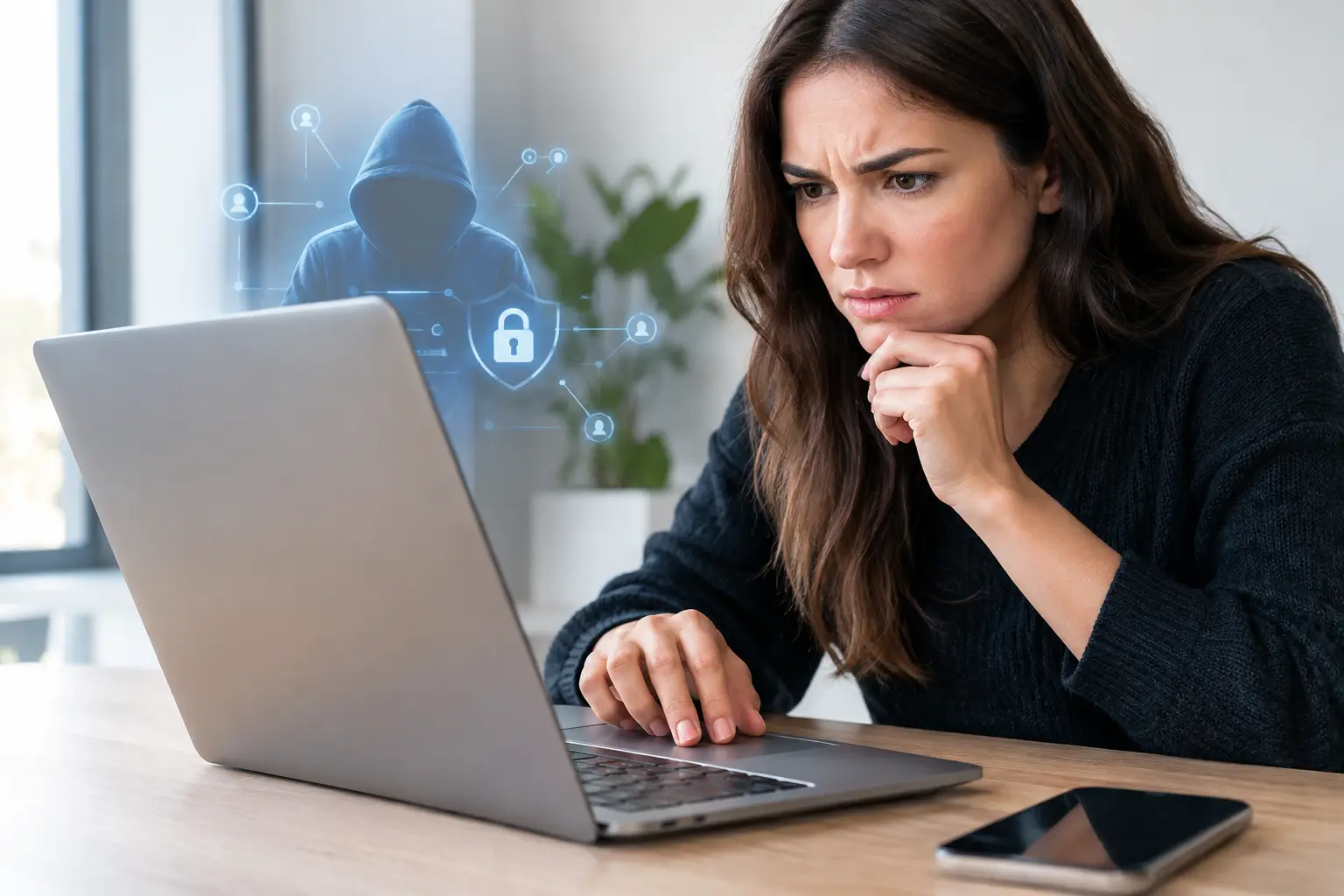
A login alert from a device you do not recognize can turn a normal gaming session into a security issue within minutes. These account takeover examples show how criminals try to gain control of online profiles, change key details, and misuse saved payment methods or available balances. For Play88 users, the first rule is simple: use only verified official access points, and treat any unexpected request for credentials, codes, or payment details with caution.
An account takeover does not always begin with an obvious scam. It can start with a password reused on another service, a convincing message that creates urgency, or a public Wi-Fi session that was not properly secured. Knowing what these incidents look like helps you respond early, protect your personal information, and keep your account access under your control.
What an Account Takeover Means
An account takeover happens when someone other than the account owner obtains access to an online account. The person may know the password, intercept a verification code, use an already logged-in session, or persuade the account owner to share information.
Once inside, an attacker may change the email address, phone number, password, or withdrawal details to make recovery harder. They may also review personal data, attempt unauthorized payments, or contact support while pretending to be the genuine account holder. The goal varies, but the warning signs are often similar.
For gaming accounts, an unauthorized login can affect more than gameplay. It can interrupt access to promotions, account settings, payment records, and support communications. That is why security checks should be part of the same routine as reviewing game rules, promotion terms, and responsible gaming limits.
Account Takeover Examples to Recognize
A fake login page sent by message
A player receives a text, email, or chat message claiming that the account will be suspended unless they verify it immediately. The message includes a button or attachment that leads to a page designed to look familiar. After the player enters a username and password, the details are captured by the scammer.
The warning sign is not just poor spelling or an unfamiliar design. Many phishing messages look polished. Check the sender carefully, avoid logging in through unsolicited messages, and access your account only through the verified official route. A legitimate support team should not pressure you to disclose a password or one-time verification code in a chat.
Reused credentials from an unrelated breach
A player uses the same email and password across gaming, shopping, social media, and other accounts. If one unrelated service suffers a data breach, criminals may test those leaked credentials on other popular platforms. This is commonly called credential stuffing.
There may be no suspicious message at all. The first indication could be an unfamiliar login notice, password-reset email, or changed account preference. A unique password for every important account limits the damage from a breach elsewhere. A password manager can make this practical without relying on memory alone.
A one-time code requested by an impersonator
A caller or chat agent claims to be from customer support and says a code has been sent to the player’s phone. They may say the code is needed to verify a withdrawal, fix a technical problem, or secure the account. In reality, they are attempting to complete a login or reset process themselves.
Verification codes are proof of access, not information to share. The same applies to password-reset links, PINs, recovery answers, and screenshots containing account details. If a request feels urgent, end the conversation and contact customer support through the official support channel you access independently.
A compromised email account
Email is often the recovery key for an online account. If someone gains control of a player’s email inbox, they may request password resets, delete security alerts, or set up forwarding rules so future messages are hidden.
This example is easy to overlook because the gaming account itself may still appear normal at first. Secure the email account with a unique password and available multi-factor authentication. Review its recovery email address, phone number, recent sign-in activity, and forwarding settings regularly. Protecting email is one of the strongest ways to protect every account connected to it.
An unfamiliar device using an active session
Sometimes an attacker does not need a password. If a player leaves an account signed in on a shared device, uses an insecure device, or fails to log out after a public session, another person may access the existing session.
This risk is higher on borrowed phones, shared tablets, and public computers. Avoid saving passwords on devices you do not fully control. Log out when finished, lock personal devices with a passcode or biometric protection, and remove access from old devices before selling, trading, or giving them away.
A phone number takeover
A criminal may try to move a victim’s mobile number to another SIM card or account. If successful, they can receive calls and text messages intended for the victim, including certain verification codes.
Possible signals include a phone suddenly losing service, unexpected carrier notifications, or messages about changes you did not request. Contact your mobile provider immediately if this happens. Ask what account protections are available, such as a carrier PIN or restrictions on number transfers. Where possible, avoid relying on text messages as the only layer of account security.
Warning Signs That Need Fast Attention
A takeover attempt is not always confirmed by one event. Look for patterns: login notices from an unknown device or location, password-reset messages you did not request, profile changes you did not make, or support communications that seem out of context.
Other signs include an unfamiliar payment method, a changed withdrawal destination, new security settings, or being locked out after your password suddenly stops working. Do not assume these are routine technical issues, especially if more than one appears at once.
A legitimate account review may sometimes require verification, particularly when payment or security details change. The difference is process. Use verified official access, review the request carefully, and do not provide sensitive information through unexpected messages. When uncertain, pause rather than react under pressure.
What to Do If You Suspect a Takeover
Act promptly, but avoid making changes through links in suspicious emails or messages. Open the official account access point directly. If you can still sign in, change the password to a new, unique password, sign out of other active sessions if that option is available, and review the email address, phone number, payment details, and recent activity.
Then secure the email account connected to the profile. Change its password, review recovery settings, and check whether unfamiliar devices, forwarding rules, or filters have been added. If you reused the old password elsewhere, change it on those accounts too, starting with email and financial services.
If you cannot access the account, contact official customer support through a verified channel. Provide only the information needed for account recovery. Be prepared to verify ownership through the platform’s established process, but never send a password, full card data, or one-time code to someone who contacts you unexpectedly.
If you see an unauthorized payment or withdrawal-related change, contact the relevant payment provider as well. Keep screenshots of alerts, timestamps, and suspicious messages for your records. Do not delete evidence before support has advised you, though you should avoid opening attachments or engaging further with a suspected scammer.
Build a Safer Routine Before There Is a Problem
The best account protection is usually simple and consistent. Use a long, unique password for your gaming account and email. Enable available multi-factor authentication. Keep your phone, browser, and operating system updated, since updates often address known security weaknesses.
Be selective about where you log in. Public Wi-Fi is not automatically unsafe, but it adds risk when you are entering sensitive details. If you must use it, avoid account changes, payment activity, and password resets until you are on a trusted connection. Never share access with friends or family members, even if the request seems harmless.
Also review account notifications instead of dismissing them. A legitimate security alert may be the first chance to stop unauthorized access before key details are changed. Security is not about assuming the worst. It is about noticing unusual activity early and using verified channels to confirm what is real.
Treat your login as you would any other personal credential: private, unique, and worth protecting. A few careful habits leave more room to enjoy digital entertainment on your own terms, with clearer control over your account and your time.