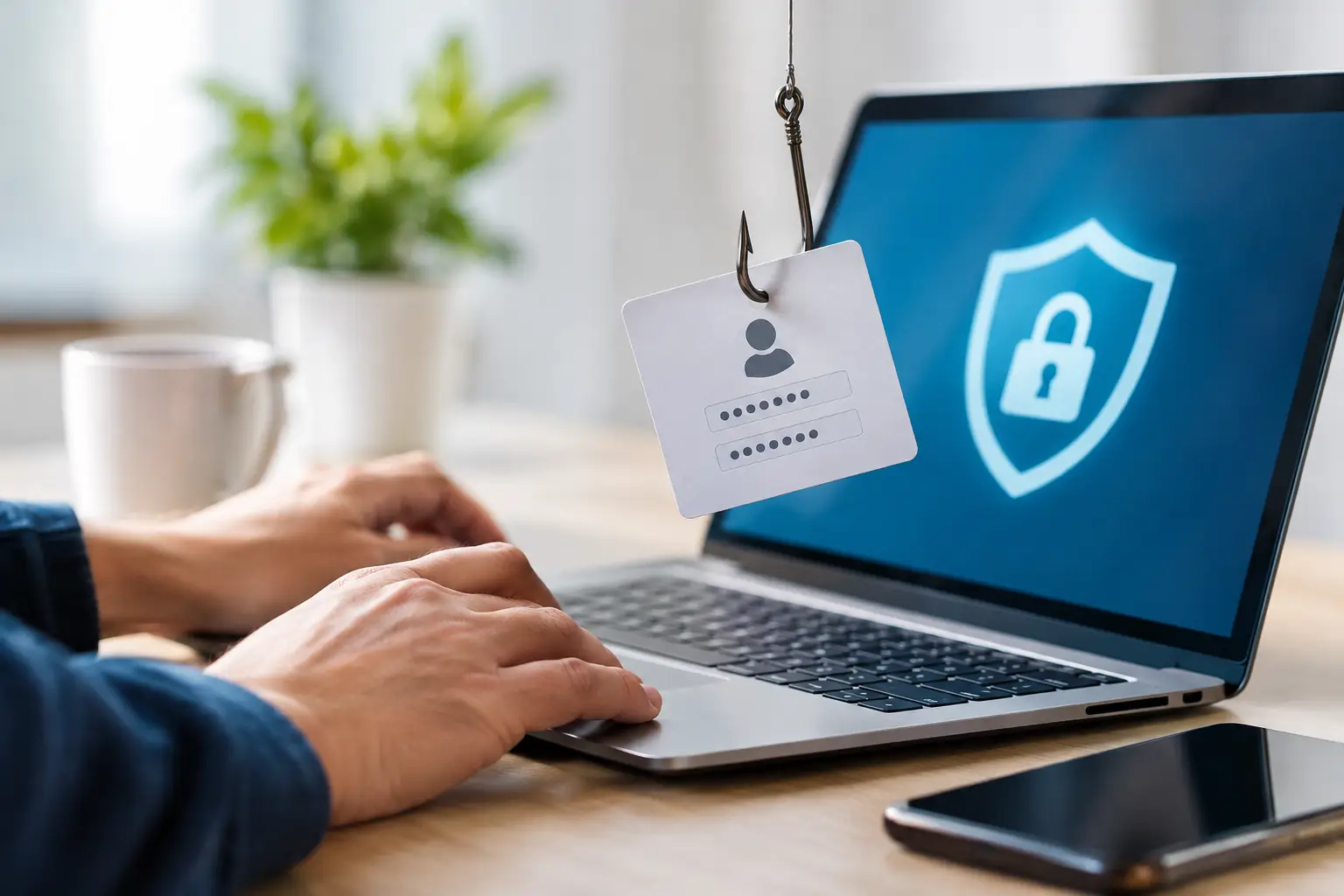
A message says your Play88 account needs urgent verification. It may use familiar colors, a convincing sender name, and a button that appears to lead to account support. That is exactly why phishing works. To protect your account from phishing, slow down before you sign in, pay, or share personal information. A few careful checks can prevent an attacker from taking control of your access, payment details, or account balance.
Phishing is not limited to email. It can appear in text messages, social media direct messages, search advertisements, messaging groups, and pop-up windows. The goal is usually the same: get you to reveal a password, one-time verification code, banking detail, or other information that should remain private.
How to Protect Your Account From Phishing
The strongest habit is simple: access your account only through a verified official Play88 link that you have confirmed independently. Do not sign in from a link sent in an unexpected message, even when the message looks professional or claims to come from customer support.
Instead, type the verified address into your browser or use a trusted saved bookmark that you created after confirming the official destination. Check the complete web address before entering credentials. A phishing page may use a name that looks close to the real brand, add extra words, swap letters, or use an unfamiliar ending.
On mobile, the address bar can be easy to overlook. Take a moment to expand it and review the full domain. A polished page design does not prove that a site is genuine. Fraudulent pages can copy logos, layouts, game images, and support language very quickly.
Treat urgency as a warning sign
Phishing messages often create pressure: “Your account will be suspended today,” “Claim a reward before it expires,” or “Confirm your withdrawal immediately.” The attacker wants a rushed response before you inspect the request.
Legitimate account notices may ask you to take action, but you should still verify them through official access channels. Do not rely on the phone number, reply button, or link inside the suspicious message. Open the official platform yourself and check for notifications there, or contact support through the verified support route.
Be especially cautious when a message asks you to bypass normal account procedures. Play88 support should not ask you to disclose your password or a one-time security code in a chat, email, or social message.
Use Sign-In Details That Cannot Be Guessed
A unique password reduces the damage if a password from another service is exposed. Reusing the same password for email, gaming accounts, shopping sites, and social platforms gives criminals more than one place to try after a single breach.
Create a long password or passphrase that you do not use anywhere else. A password manager can generate and store unique credentials, which is often safer than relying on short, memorable variations. If you prefer to create your own passphrase, use several unrelated words and avoid personal details such as birthdays, names, mobile numbers, or favorite teams.
If your account offers additional sign-in verification, enable it. This extra step can help stop unauthorized access even if someone obtains your password. However, the verification code itself is sensitive. Never forward it, read it out over a call, or enter it into a page reached through an unverified link.
Secure the email attached to your account
Your email account is often the recovery key for everything else. If someone controls it, they may request password resets and intercept account notifications.
Use a separate, strong password for email and turn on its available security features. Review recovery phone numbers and email addresses periodically, especially after changing devices. Remove old devices or unfamiliar sessions when your email provider shows account activity.
This is also a reason to be careful with public Wi-Fi. Browsing a public network is not automatically unsafe, but signing in while connected to an unknown network adds exposure. Avoid making account or payment changes on shared or public connections where possible. If you must access an account, use your own mobile data and make sure your device is updated.
Spot the Details Phishing Messages Get Wrong
Some phishing attempts are obvious, with spelling errors or strange formatting. Others are much more polished. Do not make the decision based on grammar alone. Look at the whole request.
Common warning signs include a sender address that does not match the official business, a web address with unusual spelling, a demand for your password or verification code, and an offer that sounds too urgent or too good to be true. Attachments are another concern. Do not download files sent unexpectedly, particularly files described as account statements, rewards confirmations, or security tools.
A message can also be fake even if it appears inside a familiar app. Attackers may impersonate support agents through unofficial chat accounts or social media profiles. Verified access matters more than the profile image, display name, or number of followers.
For promotions, VIP information, rewards, or payment guidance, review the complete terms through official Play88 resources. Promotional messages should never require you to provide credentials through a third-party form. Bonuses and VIP benefits are subject to applicable terms and do not guarantee winnings.
Keep Devices and Browsers Under Your Control
Account security is not only about messages. A compromised phone, browser, or computer can expose saved passwords and session data.
Install device and browser updates promptly. Updates often correct security issues that fraudsters can exploit. Use a screen lock, and do not share your unlocked device with others. On a shared computer, avoid saving passwords, always sign out after use, and clear browsing data if you have accidentally signed in.
Review browser extensions as well. Remove anything you do not recognize or no longer use. Some extensions request broad permissions that can view or modify what appears in your browser. Download apps and extensions only from reputable official stores, and be skeptical of tools that promise special access, automatic rewards, or account improvements.
What to Do If You Clicked a Suspicious Link
Clicking a link does not always mean your account has been compromised. The risk becomes more serious if you entered a password, verification code, card detail, or other sensitive information. Act quickly, but do not panic.
First, stop interacting with the page. If you entered your password, change it immediately through the verified official access route. Choose a new, unique password rather than a small variation of the old one. Then sign out of other sessions if that option is available and review recent account activity for changes you did not make.
If you shared a verification code or see unfamiliar activity, contact official customer support through a verified channel as soon as possible. Explain what information was shared and when. Do not send passwords or one-time codes to support while reporting the issue.
If payment information may have been exposed, contact the relevant payment provider using the contact details from its official app, card, or website. Monitor transactions and follow its instructions for securing the payment method.
Finally, report the suspicious message or profile through the platform where you received it. Reporting helps limit the reach of repeat scams. Delete the message afterward, but keep a screenshot if official support requests evidence.
Make Security Part of Responsible Play
Good account habits support informed, responsible participation. Keep your contact details current, review account notifications, and use only official access routes when checking games, payments, rewards, or support information. If an offer or instruction feels unclear, pause and verify it before acting.
Security is not about being suspicious of every message. It is about giving yourself a reliable routine: enter through verified access, protect credentials, and confirm unexpected requests independently. That routine keeps control where it belongs – with you.